

No Products in the Cart


How long a fiber laser cutting nozzle lasts, what wears it out and the signs it is due
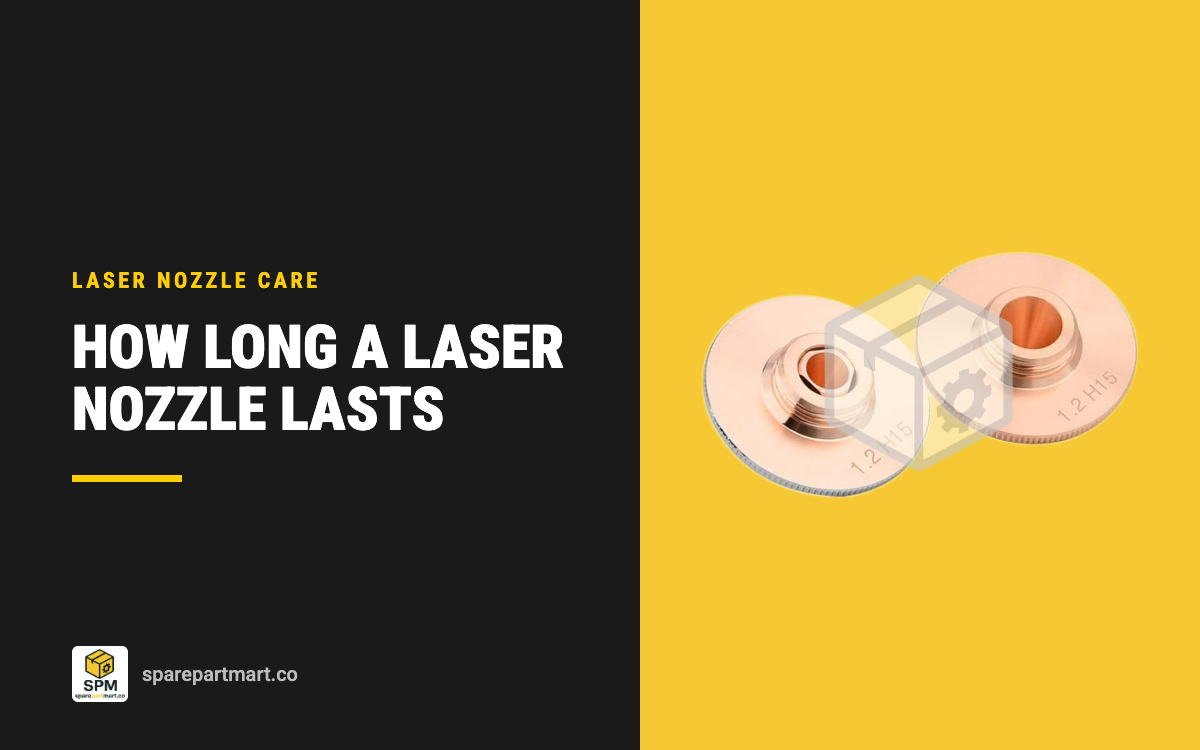
A fiber laser cutting nozzle has no fixed life in hours. It lasts until its bore stops being round or its tip is damaged, and that can be weeks of clean nitrogen cutting or a single head crash. What shortens it is almost always one of four things: pierce spatter, collisions with the sheet or tipped up parts, running with the beam off centre, and cleaning it with the wrong tool. The signs it is due are on the tip face and in the cut: an oval or burnt bore, spatter that will not come off, dross on one side of the kerf, and pierces that suddenly need two attempts.
This guide is for anyone looking at a pack of nozzles such as the Precitec HP1.5 D28 x M11 nozzles and wondering how many a pack of 10 really is. The short answer: it depends far more on how the head is run than on the nozzle. The rest of this page covers what to watch for and what to change so each nozzle stays on the head longer.
Why there is no hours figure
Nozzle makers and machine builders do not publish a service life for cutting nozzles, and we will not invent one. The nozzle is copper, it sits a millimetre or so off molten metal, and the gas jet it shapes is what clears the kerf. Its life ends when that jet stops being even, not after a set time. A patent on nozzle checking for laser machines (US11446763) puts the problem plainly: the gas nozzle is subject to great wear, it is checked at regular intervals and replaced depending on wear, and cutting with a worn nozzle significantly reduces cutting quality. AMADA builds a camera into its heads (the i-Nozzle Checker) that looks at the nozzle's shape and symmetry at every change and rejects damaged ones automatically. That tells you how the industry treats it: inspect, then decide, every time.
So the useful question is not how long a nozzle lasts, but how to tell when this one is finished, and what is killing them early.
Signs a nozzle is due
Durma's fiber laser maintenance checklist puts the nozzle in the daily pre-start checks, and Bodor's cut quality checklist starts with the same three things: the opening, its roundness and the surface of the tip. Here is what to look for, at the head and in the cut.
- Bore no longer round. Look at the tip square on, under a torch. An oval bore, or one burnt or eroded on one side, throws the gas jet off centre. Replace it.
- Spatter welded to the tip. Loose beads can be cleaned off. Spatter fused to the face or inside the bore, which will not clean up, means replace.
- Dented or melted tip. Any collision mark on the tip is a replacement, and the beam has to be re-centred afterwards (Durma).
- Dross on one side of the kerf. Durma's advice is to check nozzle centring and nozzle damage before touching power or speed. Uneven gas flow is the usual cause.
- Dross along the whole cut. Check for a worn nozzle, then gas quality and focus drift.
- Pierces that now need two attempts. Durma lists this as a warning sign to watch for while cutting.
- Rough edges, a wider kerf, tilted cuts. Bodor links all of these to a nozzle that is damaged, deformed, worn or blocked and no longer feeds gas evenly into the cut.
One rule from Durma is worth taping to the machine: if cut quality changes suddenly, stop and check. Do not slow the feed rate to hide it. Slowing down masks a bad nozzle while it keeps wasting sheet and gas.

What shortens nozzle life
Pierce spatter. Piercing throws molten metal straight up at the tip. Every bead that lands and sticks makes the gas jet less even, and a few large ones can close part of the bore. If your nozzles are dying from spatter, the fix is in the pierce settings (pierce height, gas and the pierce routine your controller offers), not in buying more nozzles. The same spatter reaches the protective window above, which is why the two problems often turn up together. Our guide on making a protective window last longer covers the window side.
Collisions. Tipped up parts, warped sheet and offcuts standing up in the skeleton are what crash a head. Even a light knock can dent the tip or crack the ceramic it screws into. Durma notes that frequent collisions mean shorter service intervals. Microjoints or tabs on small parts, cutting order that avoids passing over cut parts, and a working height sensor all reduce crashes. After any crash, check the tip and the ceramic before you cut again.
Beam off centre. A beam that runs close to one side of the bore heats and erodes that side. You see it as a bore burnt on one side and as one-sided dross. Centre the beam whenever you change the nozzle and after any crash. The tape test takes a few minutes and is covered step by step in our guide on how to change a fiber laser cutting nozzle.
Missed calibration. The nozzle is the electrode for the capacitive height sensor. Raytools calls for a capacitance calibration after every nozzle or ceramic change. Skip it and the head works from the old nozzle's numbers and can run too close to the sheet, which is exactly where spatter and crashes happen.
Wrong nozzle for the job. A nozzle with the wrong layer or bore makes the cut work harder: more dross, more spatter, more time over the melt. Single layer nozzles suit nitrogen or air cutting of stainless steel and aluminium. Double layer nozzles suit oxygen cutting of carbon steel. Our guide on single vs double layer laser nozzles has the bore guidance.
Cleaning it the wrong way. Durma is blunt: never file or drill a nozzle to recover it. Filing changes the tip geometry and drilling opens the bore past its size. Both make it cut worse than a new one. Clean loose spatter off, and if it will not come clean, retire it.
A daily routine that makes nozzles last
- Before the shift: raise the head, look at the tip square on under a torch. Bore round, tip flat, no welded spatter. Check the ceramic for hairline cracks or looseness at the same time.
- Clean loose spatter off the face so it does not build up into a lump that disturbs the jet.
- After any crash: check the tip, check the ceramic, refit or replace, calibrate, then centre the beam.
- After every nozzle change: calibrate and centre. Every time, even with the same size nozzle.
- Watch the first pierces and the first few parts of each job. Two-attempt pierces or one-sided dross mean stop and look.
- Keep a note of what each nozzle died from. If most are spatter, look at the pierce settings. If most are dents, look at part layout and sheet flatness. The pattern tells you where the money is going.
Durma also makes a simple point about spares: keep nozzles and ceramic rings in stock, so a low cost part does not stop a shift. A nozzle that is still round and clean when you swap bores can go back in the drawer for the same job later.
The ceramic underneath
Nozzle trouble and ceramic trouble look alike. If the height signal is unstable with a good nozzle on, or the nozzle turns the ceramic when you unscrew it, the ceramic is the suspect. Durma's daily list says to replace a ceramic with hairline cracks, looseness or arc marks. Raytools says to change it only when it is damaged or the sensor signal is unstable, so it normally outlives many nozzles. For Precitec HP1.5 style D28 x M11 nozzles and Raytools heads, the matching holders are in our ceramic ring range (16 holders for Raytools, Precitec, BOCI and Trumpf heads).
How many nozzles to keep on the shelf
Our nozzles come in packs of 10 of one layer and one bore. Across our laser nozzle range there are 7 nozzle families and 171 bore and layer options, so the sensible stock is one pack of each bore and layer you run most, not a bit of everything. A 10 pack of 1.5 mm single layer Precitec HP1.5 nozzles is see current price. For Raytools heads, the Raytools D32 M14 nozzles come the same way.
Count how many nozzles you go through in a normal month for two or three months, and that is your reorder point. If the count jumps, the nozzles are not the problem: look at what changed in piercing, layout or calibration. If you cannot match a nozzle to a listing, send a photo of the tip face and thread through our quote request page.
Frequently asked questions
How many hours does a laser cutting nozzle last?
There is no published figure. A nozzle lasts until its bore goes out of round or its tip is damaged. With clean pierces and no crashes that can be a long time. One crash can end it in a second.
Can I clean a laser nozzle and reuse it?
Yes, if the spatter is loose and the bore is still round after cleaning. Never file or drill a nozzle to recover it. If spatter is welded on, or the bore is oval, replace it.
Why do my nozzles wear on one side?
Almost always because the beam is not centred in the bore. Centre it with the tape test after every nozzle change and after any crash.
Is it the nozzle or the protective window?
Check the nozzle first: it is quicker and cheaper. If a new nozzle fixes the cut, the old one was the problem. If cut quality is still poor with a fresh, centred nozzle, look at the protective window, the focus and the gas.
Do I need to recalibrate after fitting the same size nozzle?
Yes. Raytools calls for a capacitance calibration after every nozzle or ceramic change, whatever the size.
